

A clearer Discord setup and a new What’s new hub
Connect Discord with clearer feedback, smoother navigation and one place to follow meaningful PlaybookFlow updates.
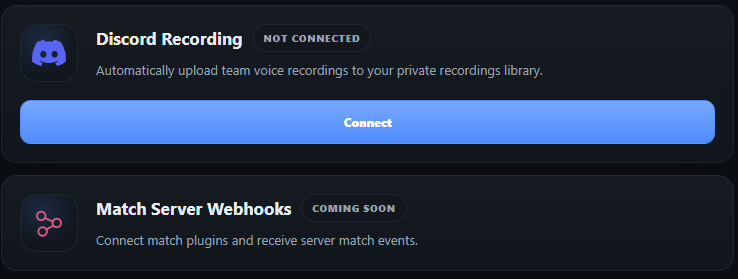
Clearer feedback while connecting Discord
The Discord connection screen now communicates what is happening at every stage of the setup.
Dedicated connecting, success and error states make it easier to understand whether PlaybookFlow is still working, the server was linked successfully or another action is required.
A smoother integration flow
The connection experience has been refined for smaller screens and now provides clearer navigation back to the Discord integration settings.
- Improved responsive behavior across the setup and callback screens.
- A direct way back to the integration settings when the connection cannot be completed.
- Clear confirmation after the Discord server is connected.
What’s new in PlaybookFlow
PlaybookFlow now has a dedicated What’s new hub for meaningful product releases. It brings product improvements together in a public, chronological view with a separate page for the details of each update.
Automatic in-app announcements remain reserved for the most important new capabilities, so smaller improvements can be documented without interrupting your preparation.