

Show the round, not a wall of text
Place players on the map and draw movement, aim directions, and timing so every role is easier to understand at a glance.
Plan setups, executes, retakes, and utility on a map-based CS2 tactical board. Show player positions, movement, timing, and notes in one readable round plan.
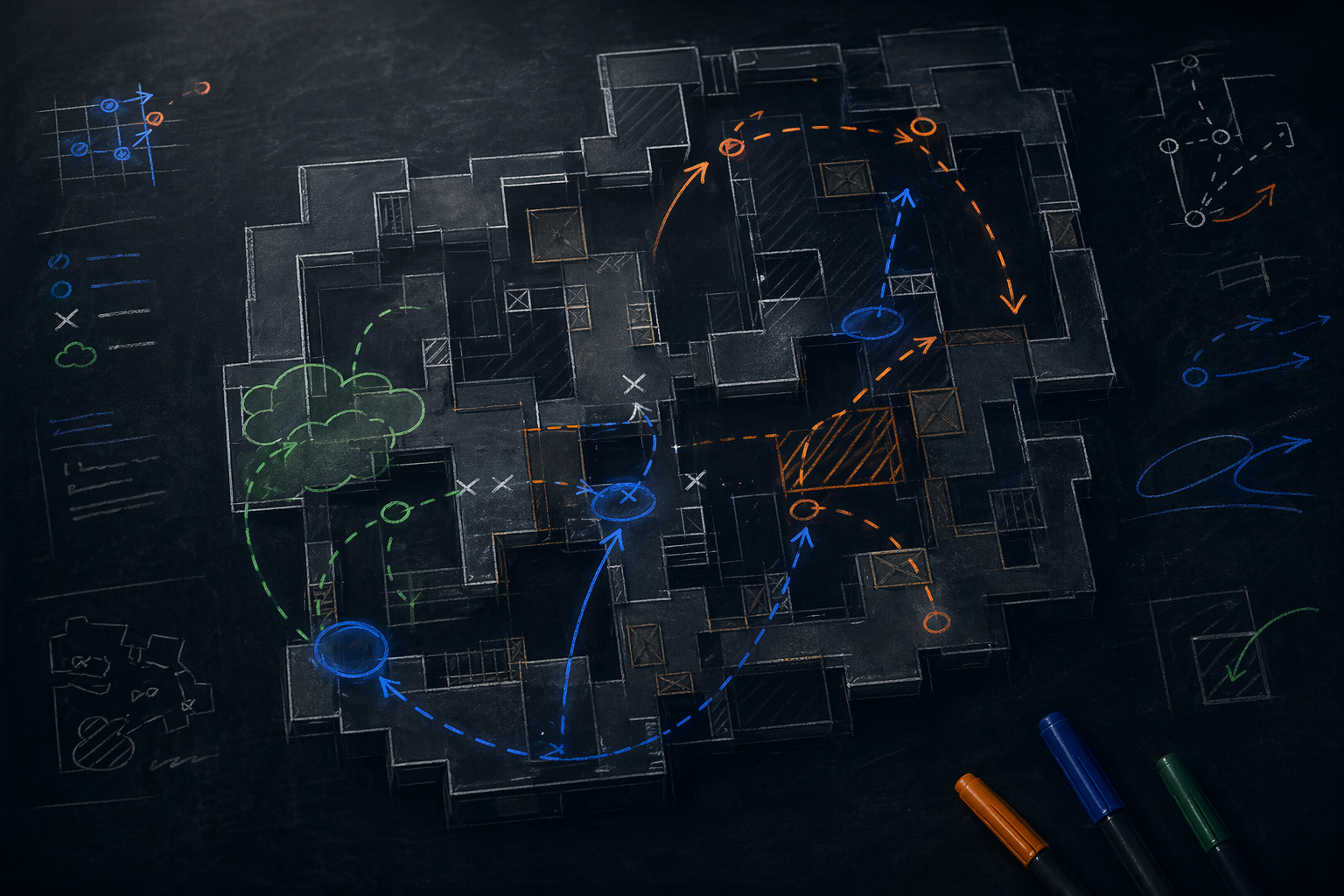
A PlaybookFlow board keeps the important parts of a CS2 round together, so players do not have to reconstruct the plan from screenshots, chat messages, and separate notes.
Place players on the map and draw movement, aim directions, and timing so every role is easier to understand at a glance.
Add smokes, flashes, molotovs, and grenades where they matter in the round instead of keeping utility in a disconnected list.
Use one clear board to explain the idea, spot missing responsibilities, and align the team before you load into the server.
Start with the map, side, and round idea you want to explain: a default, execute, retake, or response.
Place players, draw paths, add utility, and write only the notes your roster needs to execute the plan.
Keep the board as a standalone plan or connect it to a structured team playbook for repeatable review.
Explain defaults, executes, mid-round reactions, and individual responsibilities without repeating the plan in chat.
Turn review notes into visual teaching material and make tactical sessions easier for the roster to follow.
Coordinate friends, academy rosters, or competitive teams with a shared picture of how each round should work.
Yes. This page is public, but creating, saving, and organizing boards takes place inside the PlaybookFlow workspace after sign-in.
Yes. You can plan rounds for yourself, prepare ideas for a stack, or build material before inviting teammates to a workspace.
A board explains one tactical situation visually. A playbook organizes multiple boards, lineup references, stages, and notes into a larger team plan.
Create a CS2 tactical board, connect the right utility, and keep the finished plan ready for practice, review, and match preparation.